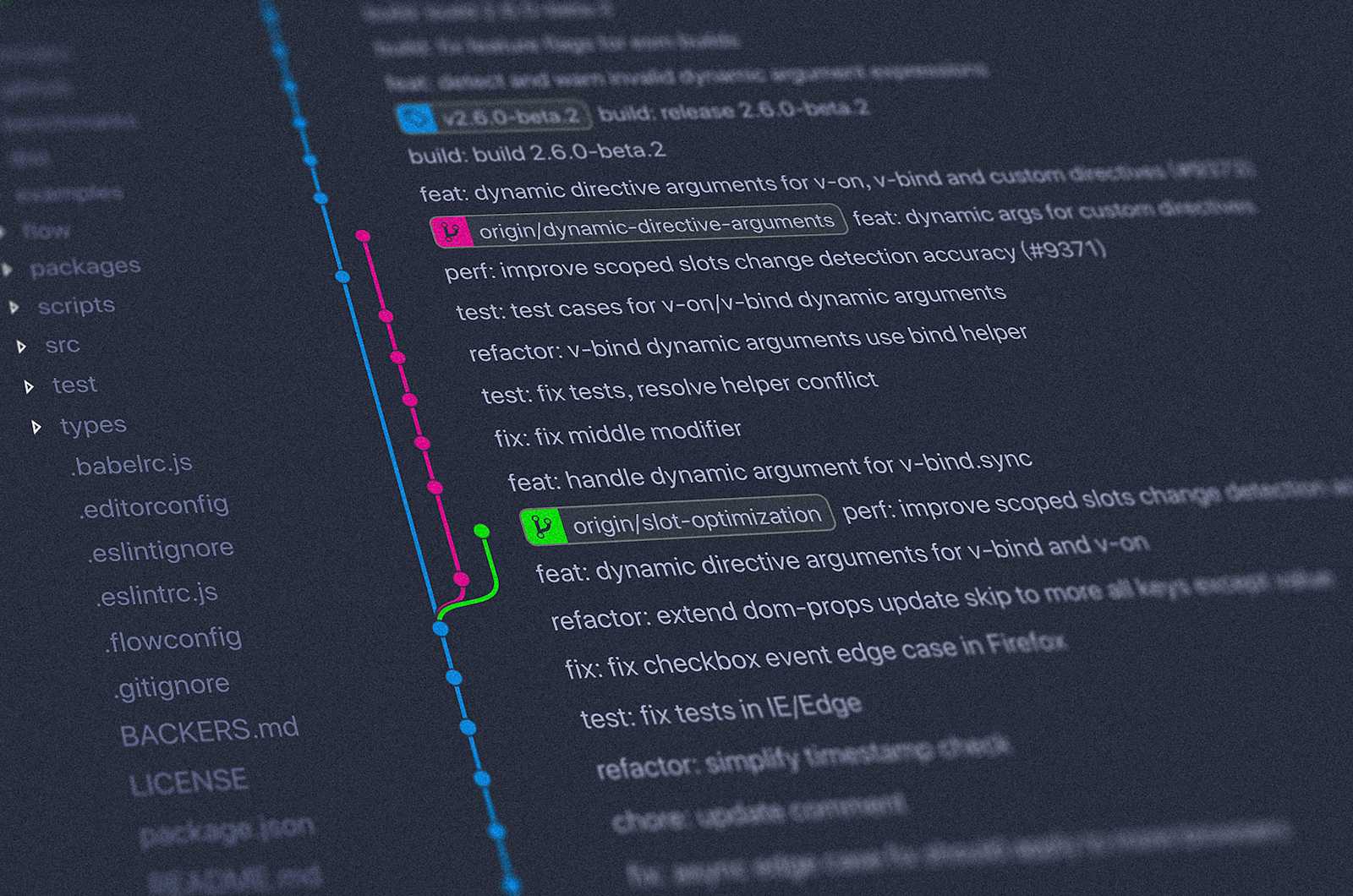
Git is like a time machine where you can track your work and have different versions of your work in a very organized fashion.
git init: This command is to initialize the git as obvious.
labex:my-time-machine/ $ git init
Initialized empty Git repository in /home/labex/project/my-time-machine/.git/
git status: This commad will let you know what is going on.
labex:my-time-machine/ (master) $ git status
On branch master

No commits yet

## let's add some text and make a new file, see how git is reacting
labex:my-time-machine/ (master) $ echo "Hello, Future Me" > message.txt
labex:my-time-machine/ (master*) $ cat message.txt
Hello, Future Me
# In the above, text is created in a text file named message.txt, now see the git status below
# Observe how it is saying as 'Untracked files'
labex:my-time-machine/ (master*) $ git status
On branch master

No commits yet

Untracked files:
  (use "git add <file>..." to include in what will be committed)
    message.txt

nothing added to commit but untracked files present (use "git add" to track)
git add: This is to add changes to your branch(master in this case). This git add command give you the power what to add for changes. For example you have 10 file changes, but you want only 3 tobe added (or staged). This gives great flexibility while developing big projects with lots of files. See the below and observe. Now git is tracking the file message.txt.
labex:my-time-machine/ (master*) $ git status
On branch master

No commits yet

Changes to be committed:
  (use "git rm --cached <file>..." to unstage)
    new file:   message.txt
git commit: This is like sealing the code. It saves what is changed and tracked so far. Each commit is a snapshot of what has happened so far.
labex:my-time-machine/ (master*) $ git commit -m "Send a message to the future"
[master (root-commit) 081219d] Send a message to the future
 1 file changed, 1 insertion(+)
 create mode 100644 message.txt
git log: This is to view your travel log. What has happened so far. This is the below output when entering git log. press q to quit.
commit 081219d7359ff7e39d7f2720ad65f7c59e2bda84 (HEAD -> master)
Author: Jane Doe <jane.doe@example.com>
Date:   Thu Oct 9 05:02:34 2025 +0800

    Send a message to the future
git config: This is to know about the git information such as user name and the email.
labex:git-config-lab/ (master) $ git config --list
labex:git-config-lab/ (master) $ git config user.name
labex:git-config-lab/ (master) $ git config --global user.name "Your Name"
labex:git-config-lab/ (master) $ git config --global user.name "Jane Doe"
labex:git-config-lab/ (master) $ git config --global user.email "your.email@example.com"
labex:git-config-lab/ (master) $ git config --global user.email "jane.doe@example.com"
labex:git-config-lab/ (master) $ git config --global user.name
Jane Doe
labex:git-config-lab/ (master) $ git config --global user.email
jane.doe@example.com
.gitignore: This the file in which we define which files we don’t want the git to track.
labex:git-staging-lab/ (master*) $ echo "*.log" > .gitignore
labex:git-staging-lab/ (master*) $ echo "This is a log file" > debug.log
labex:git-staging-lab/ (master*) $ git status
On branch master

No commits yet

Changes to be committed:
  (use "git rm --cached <file>..." to unstage)
    new file:   hello.py

Untracked files:
  (use "git add <file>..." to include in what will be committed)
    .gitignore
git diff: when we add some file or modify it, then we can see the difference in git diff
labex:git-staging-lab/ (master) $ echo "print('Hello, Git! Welcome to the staging area.')" > hello.py
labex:git-staging-lab/ (master*) $ git diff

diff --git a/hello.py b/hello.py
index c66c208..a7261d2 100644
--- a/hello.py
+++ b/hello.py
@@ -1 +1 @@
-print('Hello, Git')
+print('Hello, Git! Welcome to the staging area.')
git restore: This is use to unstage our changes. Unstage means we don’t want to include those files in the commit.
## This is staging the hello.py file
labex:git-staging-lab/ (master*) $ git add hello.py
## The below command is to unstage the hello.py file
labex:git-staging-lab/ (master*) $ git restore --staged hello.py
labex:git-staging-lab/ (master*) $ git status
On branch master
Changes not staged for commit:
  (use "git add <file>..." to update what will be committed)
  (use "git restore <file>..." to discard changes in working directory)
    modified:   hello.py

no changes added to commit (use "git add" and/or "git commit -a")
git branch: This is used for creating new branch or listing out branches.
Note: If you want to see all branches including the remote one → git branch -a
labex:git-branch-lab/ (master) $ git branch feature-dimension
labex:git-branch-lab/ (master) $ git branch
## Below is the output of the above. Notice that there is a * mark on master.
## It means that branch is checked out
  feature-dimension
* master
git checkout: This is to checkout the perticular branch. The can be done using git switch(Ex - git switch feature-dimension).
Note: Using -b we can do the branch creation and switch at the same time using git checkout. Ex - git checkout -b feature-dimension. (for git switch it is -c → Ex - git switch -c feature-dimension)
labex:git-branch-lab/ (master) $ git checkout feature-dimension
Switched to branch 'feature-dimension'
labex:git-branch-lab/ (feature-dimension) $ git branch

* feature-dimension
  master
git merge: This is like telling git to get all the changes from the mentioned branch and add it to the current branch. See the below example.
Note: If you want to see all branches that is merged to the current branch → git branch --merged
## Here we are at feature-dimension branch and making changes
labex:git-branch-lab/ (feature-dimension) $ echo "#### Feature Dimension" >> README.md
labex:git-branch-lab/ (feature-dimension*) $ echo "We've discovered a powerful artifact in this reality" >> README.md
labex:git-branch-lab/ (feature-dimension*) $ git add README.md
labex:git-branch-lab/ (feature-dimension*) $ git commit -m "Document the discovery of the artifact"
[feature-dimension 8ca4859] Document the discovery of the artifact
 1 file changed, 2 insertions(+)

## we can see the difference between master and the current branch(feature-dimension) here
labex:git-branch-lab/ (feature-dimension) $ git diff master

## Now we are switching back to master branch
labex:git-branch-lab/ (feature-dimension) $ git checkout master
Switched to branch 'master'
labex:git-branch-lab/ (master) $ git merge feature-dimension
Updating 6420706..8ca4859
Fast-forward
 README.md                | 2 ++
 dimensional-artifact.txt | 1 +
 2 files changed, 3 insertions(+)
 create mode 100644 dimensional-artifact.txt

## The below command is to delete the branch feature-dimension
labex:git-branch-lab/ (master) $ git branch -d feature-dimension
Deleted branch feature-dimension (was 8ca4859).
git commit —amend: This is to amend previous commit message instead of creating a new commit. See the below example.
Note: You can only amend the commit which you haven’t pushed yet.
labex:git-advanced-lab/ (master) $ echo "Hello, Advanced Git" > hello.txt
labex:git-advanced-lab/ (master*) $ git add hello.txt
labex:git-advanced-lab/ (master*) $ git commit -m "Initial commit"
[master (root-commit) a2ed3c8] Initial commit
 1 file changed, 1 insertion(+)
 create mode 100644 hello.txt
labex:git-advanced-lab/ (master) $ git status
On branch master
nothing to commit, working tree clean
labex:git-advanced-lab/ (master) $ echo "This is an important file." >> hello.txt
labex:git-advanced-lab/ (master*) $ git add hello.txt
labex:git-advanced-lab/ (master*) $ git commit --amend -m "Initial commit with important note"
[master f8d9a34] Initial commit with important note
 Date: Tue Oct 14 01:35:01 2025 +0800
 1 file changed, 2 insertions(+)
 create mode 100644 hello.txt
git revert: This command is to revert the last commit.
labex:git-advanced-lab/ (master) $ git log --oneline
labex:git-advanced-lab/ (master) $ echo "This line will be reverted" >> hello.txt
labex:git-advanced-lab/ (master*) $ git add hello.txt
labex:git-advanced-lab/ (master*) $ git commit -m "Add line to be reverted"
[master c7e05c2] Add line to be reverted
 1 file changed, 1 insertion(+)
labex:git-advanced-lab/ (master) $ git revert HEAD
[master f15c65e] Revert "Add line to be reverted"
cherry-pick: This a great feature in git where we can pick a commit from another branch into our current branch.
git rebase: This is use to rewrite the history of git. This has to be done very carefully especially in a shared git space. See the below example. This command will rebase to 3 commits before. To abort rebase → git rebase —abort
labex:git-advanced-lab/ (master) $ echo "First change" >> hello.txt
labex:git-advanced-lab/ (master*) $ git commit -am "First change"
[master 9beeb7f] First change
 1 file changed, 1 insertion(+)
labex:git-advanced-lab/ (master) $ echo "Second change" >> hello.txt
labex:git-advanced-lab/ (master*) $ git commit -am "Second change"
[master b02c913] Second change
 1 file changed, 1 insertion(+)
labex:git-advanced-lab/ (master) $ echo "Third change" >> hello.txt
labex:git-advanced-lab/ (master*) $ git commit -am "Third change"
[master 878b382] Third change
 1 file changed, 1 insertion(+)

## The below command suggests that the changes will go 3 commits back from the head.
labex:git-advanced-lab/ (master) $ git rebase -i HEAD~3
Successfully rebased and updated refs/heads/master.
git stash: This is to save work, especially when you want to switch to a different branch when changes are still there. This is the way to save those uncommited work to use it later.
Note: By default git stash will stash the changes to tracked file and staged changes.
Note: The difference between apply and pop is apply keep the stash data but pop remove them
labex:git-stash-lab/ (master) $ echo "This is a work in progress" >> README.md
labex:git-stash-lab/ (master*) $ echo "Some important notes" > notes.txt
labex:git-stash-lab/ (master*) $ git status
On branch master
Changes not staged for commit:
  (use "git add <file>..." to update what will be committed)
  (use "git restore <file>..." to discard changes in working directory)
    modified:   README.md

Untracked files:
  (use "git add <file>..." to include in what will be committed)
    notes.txt

no changes added to commit (use "git add" and/or "git commit -a")
labex:git-stash-lab/ (master*) $ git stash
Saved working directory and index state WIP on master: e6dc0fb Initial commit

labex:git-stash-lab/ (master*) $ git status
On branch master
Untracked files:
  (use "git add <file>..." to include in what will be committed)
    notes.txt

nothing added to commit but untracked files present (use "git add" to track)
labex:git-stash-lab/ (master*) $ git stash -u
Saved working directory and index state WIP on master: e6dc0fb Initial commit
labex:git-stash-lab/ (master) $ git status
On branch master
nothing to commit, working tree clean
labex:git-stash-lab/ (master) $ git stash list

labex:git-stash-lab/ (master*) $ git status
On branch master
Untracked files:
  (use "git add <file>..." to include in what will be committed)
    notes.txt

labex:git-stash-lab/ (master) $ git stash apply
Already up to date.
On branch master
Untracked files:
  (use "git add <file>..." to include in what will be committed)
    notes.txt

nothing added to commit but untracked files present (use "git add" to track)


nothing added to commit but untracked files present (use "git add" to track)
labex:git-stash-lab/ (master*) $ git stash apply stash@{1}
On branch master
Changes not staged for commit:
  (use "git add <file>..." to update what will be committed)
  (use "git restore <file>..." to discard changes in working directory)
    modified:   README.md

Untracked files:
  (use "git add <file>..." to include in what will be committed)
    notes.txt

no changes added to commit (use "git add" and/or "git commit -a")
git stash clear
git stash -u
git stash list
git stash branch: This is to create a new branch with stash changes.
labex:git-stash-lab/ (master*) $ echo "Feature in progress" >> README.md
labex:git-stash-lab/ (master*) $ echo "More notes" >> notes.txt
labex:git-stash-lab/ (master*) $ git stash -u
Saved working directory and index state WIP on master: e6dc0fb Initial commit
labex:git-stash-lab/ (master) $ git stash branch feature-branch
Switched to a new branch 'feature-branch'
On branch feature-branch
Changes not staged for commit:
  (use "git add <file>..." to update what will be committed)
  (use "git restore <file>..." to discard changes in working directory)
    modified:   README.md

Untracked files:
  (use "git add <file>..." to include in what will be committed)
    notes.txt

no changes added to commit (use "git add" and/or "git commit -a")
Dropped refs/stash@{0} (5b1093ae50f868c400af58e8c29d10692439d66c)
labex:git-stash-lab/ (feature-branch*) $
git stash show: This is to show the stash changes.
git stash drop: This is to delete the stash changes.
git stash clear: This is to delete all stashes.
labex:git-stash-lab/ (master) $ echo "Change 1" >> README.md
labex:git-stash-lab/ (feature-branch*) $ git stash push -m "First change"
Saved working directory and index state On feature-branch: First change
labex:git-stash-lab/ (feature-branch) $ echo "Change 2" >> README.md
labex:git-stash-lab/ (feature-branch*) $ echo "Note 2" >> notes.txt
labex:git-stash-lab/ (feature-branch*) $ git stash push -u -m "Second change"
Saved working directory and index state On feature-branch: Second change
labex:git-stash-lab/ (feature-branch) $ echo "Change 3" >> README.md
labex:git-stash-lab/ (feature-branch*) $ git stash push -m "Third change"
Saved working directory and index state On feature-branch: Third change
labex:git-stash-lab/ (feature-branch) $ git stash list
labex:git-stash-lab/ (feature-branch) $ git stash show stash@{1}

labex:git-stash-lab/ (feature-branch) $ git stash drop stash@{2}
Dropped stash@{2} (c7c3707288de753a832e6fad16ec0bc44d4caece)
labex:git-stash-lab/ (feature-branch) $ git stash clear


